Create New Data Model
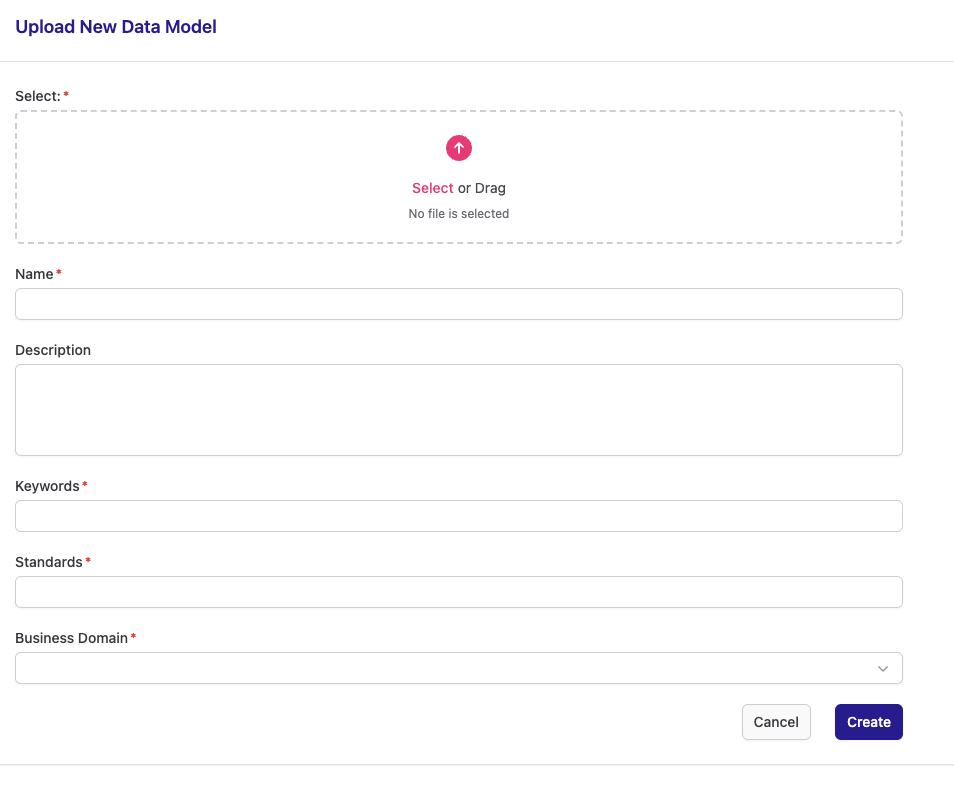
To create a new Data Model, complete the form below and click 'Create'.
-
Required Fields: Ensure all fields marked with a red asterisk (*) are filled.
-
File Selection: Please upload a .json file (other file types are not supported).
-
Keywords: When entering a keyword you can press ',' or 'Enter' to create it. Please note that no duplicate keywords are allowed.
-
Business Domain: Select one of the available options.
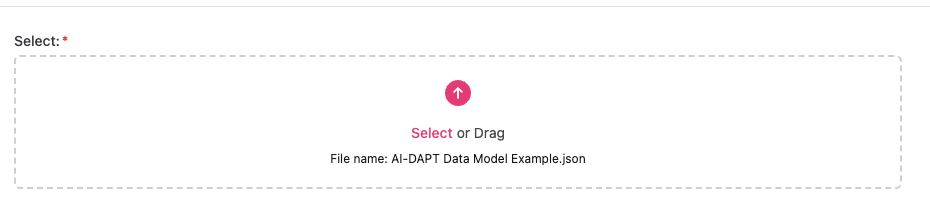
Once you select a file, you can view its name in the relevant input box:
After clicking 'Create', you will be redirected back to the Data Models list, where you will be able to view your newly created Data Model.
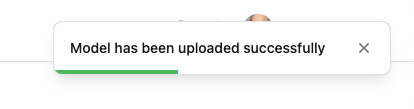
Also a success confirmation popup will appear in the top-right corner of the screen.