Update Data Model
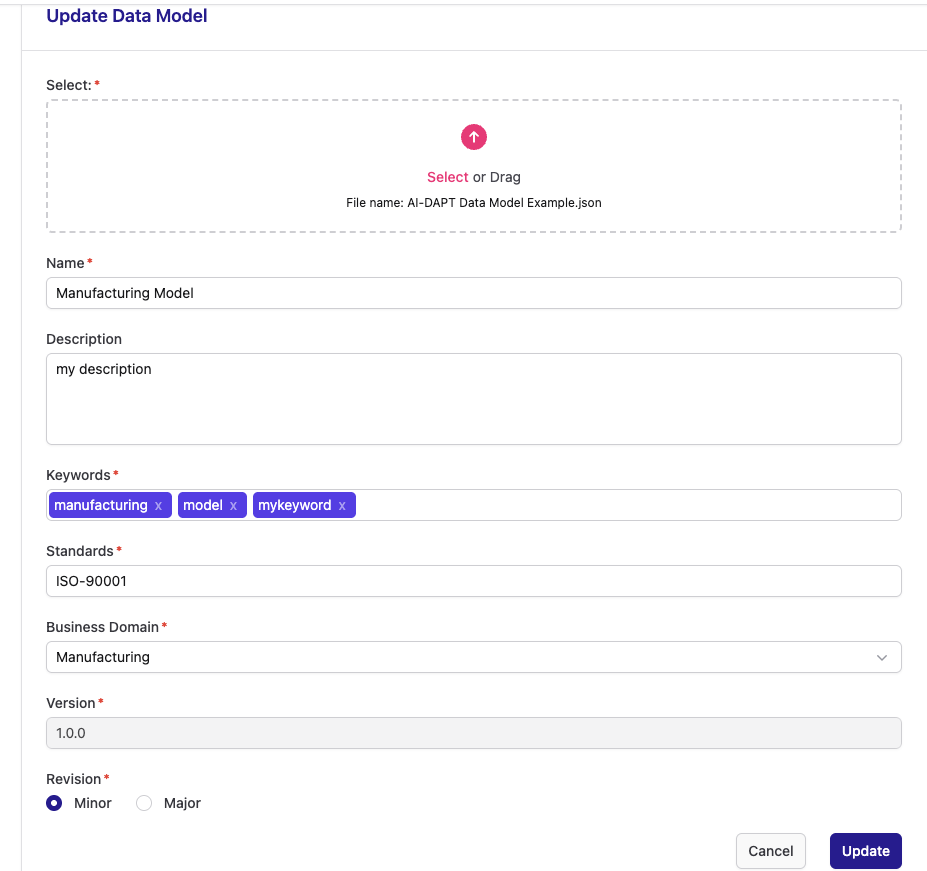
To update an existing Data Model, make any changes you desire to the form below and click "Update" to apply them.
-
Required Fields: Ensure all fields marked with a red asterisk (*) are filled.
-
File Selection: The uploaded file’s name will be shown in the file input box. You can change the existing and upload a new one, please note that only json files are allowed.
-
Keywords: When entering a (new) keyword you can press ',' or 'Enter' to create it. Please note that no duplicate keywords are allowed.
-
Business Domain: You can select a new domain from the dropdown list to update the current value.
-
Revision/Version: Selecting 'Minor' or 'Mayor' will change the Data Model’s version accordingly.
For example if the model’s current version is 1.0.0, selecting 'Minor' will upgrade it to '1.0.1', while selecting 'Mayor' will set it to '2.0.0'.
After clicking 'Update', you will be redirected back to the Data Models list, where you will be able to see the Data Model with its updated information.
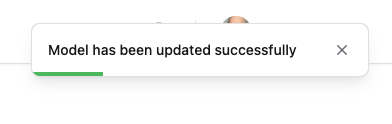
Also a success confirmation popup will appear in the top-right corner of the screen.