Tutorial: AIDAPT Usage
This tutorial demonstrates how to use the Data Cleaning Engine inside the AI-DAPT platform.
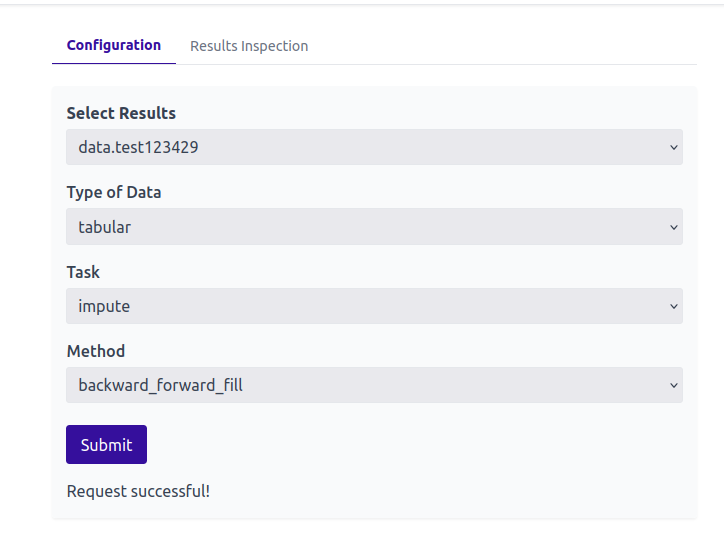
Figure 1. Configuration of Job
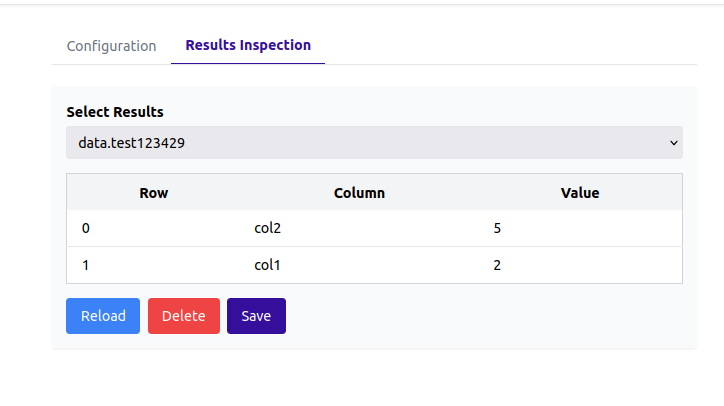
Figure 2. Results inspection
The user can inspect the original results of the job execution.
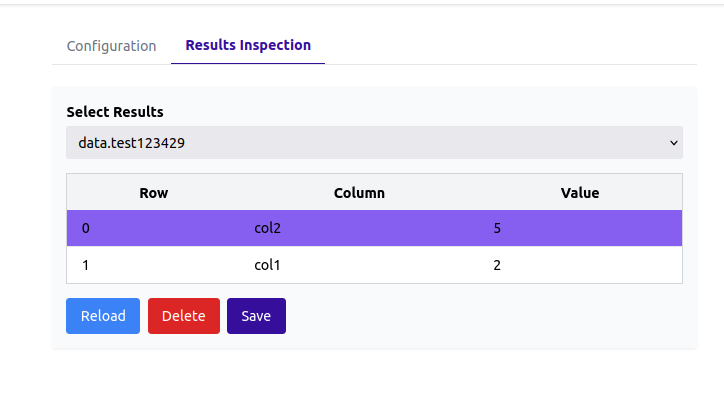
Figure 3. Results selection
The user can then select all rows that wishes to remove and click "Delete". If they want to reload the original results, they click "Reload".
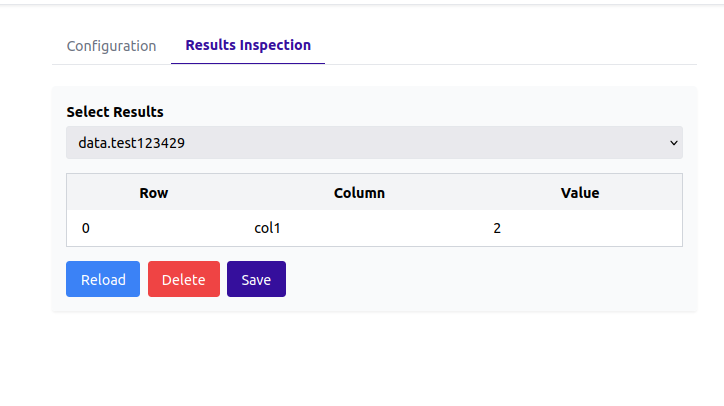
Figure 4. Results approval
Finally, the user approves the remaining rows and can store them by cliking "Save".
Here, the user can select the created job and then configure whether the data are tabular or timeseries, whether the task is to detect errors or impute data and the selected method. Eventually, they must click "Submit"